Your Traffic From Google Has Dropped: How to Find Out Why Before You Spend Anything
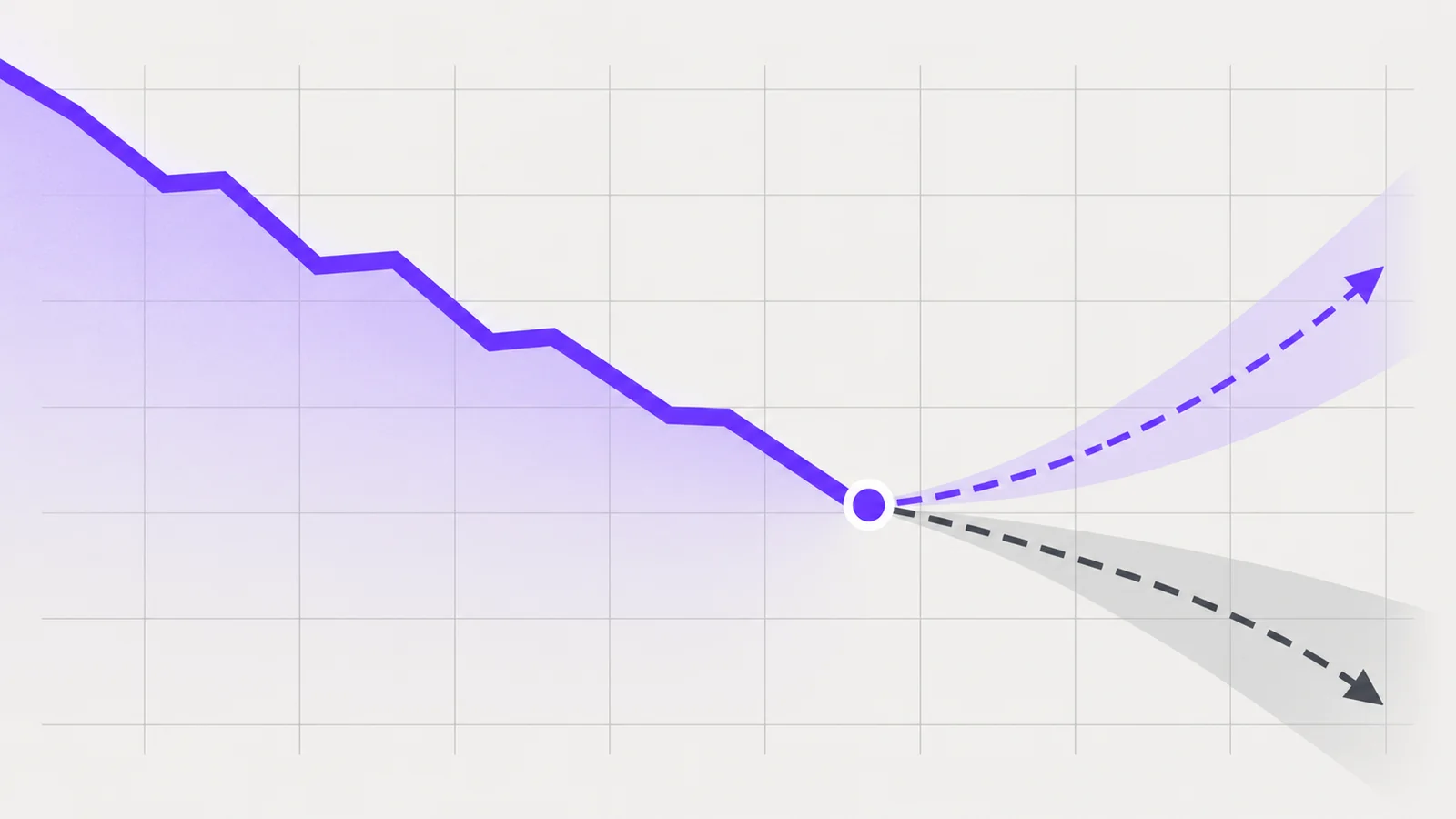
A quiet month is unsettling, and the first instinct is usually to do something: rewrite the site, start paying for ads, or ring whoever built it. Hold off for an afternoon. Almost every drop in traffic from Google has one of a small number of causes, they call for completely different responses, and you can usually tell them apart from the free data you already have. This guide takes you through that in order, in plain terms, and ends with the things actually worth changing.
First, check that the drop is real
More apparent traffic drops turn out to be measurement artefacts than anyone likes to admit. Rule those out before you investigate anything else.
- Compare like with like. A month against the previous month is nearly useless, because months differ in length, in the number of working days and in the number of bank holidays. Compare a period against the same period a year earlier.
- Allow for reporting delay. Search Console data arrives with a lag of a couple of days, so the most recent days in any chart are always incomplete and always look like a cliff. Exclude the last few days from any comparison.
- Check you are looking at the whole site. If your property in Search Console covers only one version of your domain, or only part of it, a change in how the site serves pages can move traffic out of view without moving it out of existence. A domain property shows everything.
- Check the analytics itself. A tag removed during a site update, a change to your cookie consent banner, or a new filter can all cut reported traffic while real visits continue. If your analytics fell but Search Console clicks did not, the problem is the measurement, not the traffic.
- Look at other channels. If direct, social and email all fell by a similar amount at the same time, something general happened, not something in search.
If the drop survives all five checks, it is real and worth understanding.
Second, rule out seasonality
Most small businesses are more seasonal than their owners believe, and not in the obvious way. A roofer is busy after storms. An accountant peaks around filing deadlines. A wedding venue gets its enquiries nowhere near the wedding season. A B2B service goes quiet across school holidays, because the people who buy it are not at their desks.
The test is simple. Look at the same calendar period for the last two or three years, not just last year. If you find the same dip at the same time each year, you have found your answer and the correct response is to do nothing, except perhaps plan your marketing spend around a pattern you now know about.
Two refinements worth making. First, look at enquiries and sales alongside traffic. If traffic is down a lot and enquiries are flat, you have lost visitors who were never going to buy, which is a very different problem from losing customers. Second, check whether the dip is spread across the whole site or concentrated in a few pages. Seasonality tends to be broad. A technical or ranking problem tends to be narrow.
The single most useful reading: impressions against clicks
Search Console gives you two numbers for every query and every page. Impressions count how often your page appeared in results somebody saw. Clicks count how often they came to you. The relationship between the two tells you where in the chain the problem sits, and it is the most informative thing in the whole account.
- Impressions down, clicks down. You are appearing less often. This usually means ranking or indexing: you have slipped down the results, pages have dropped out of the index, or demand for those searches has fallen. Check the volume of searches independently before blaming yourself.
- Impressions steady or up, clicks down. You are still appearing, and fewer people are coming through. The results page has changed around you. This is the pattern associated with more of the answer being shown on the results page itself, through AI-generated summaries, featured snippets, map packs, shopping units, review panels and expanded ads. Your ranking may be exactly where it was.
- Impressions up a lot, clicks flat. You are usually being shown for broader, less relevant searches. Not a problem to fix, but it makes your click-through rate look alarming.
- Both steady but enquiries down. The problem is on your site or in your offer, not in search. Look at your forms, your phone number, your prices and your page speed.
Do this analysis at page level as well as site level. The pattern is frequently different for different kinds of page, and that difference is the most useful clue you will get.
Split branded from non-branded searches
This is the step most people skip, and it changes the interpretation of everything above.
Branded searches contain your company name, or your name, or a misspelling of either. Non-branded searches describe what you do. In Search Console you can separate them with a query filter: filter queries containing your brand name to see one group, and filter to exclude it to see the other. If your business name contains an ordinary word, you will need a couple of variations.
The two groups behave very differently, and the split tells you different things:
- Non-branded down, branded steady. People who already know you still find you. You are being discovered by new people less often. This is the most common shape of a genuine search visibility problem, and it points at your informational and service pages.
- Branded down too. Something broader has changed: awareness, a drop in other marketing, a name change, a reputation issue, or a new business with a similar name. Search is reporting a symptom, not causing it.
- Branded up, non-branded down. Sometimes a healthy sign, and it means your traffic mix has shifted towards people who already know you. Watch whether enquiries hold up.
It is also worth separating question-shaped searches from buying-shaped ones. Searches that begin "what is", "how do I" or "why does" tend to be answered more and more on the results page itself. Searches that name a service and a place, or a product and a price, or your company, behave more as they always did. A fall concentrated entirely in the first group and absent from the second is a strong signal about what has happened, and it is also reassuring: that group was never where your enquiries came from.
Other things worth checking before you conclude anything
- Did the site change? Line the start of the drop up against your own records. A redesign, a platform migration, a change to URLs, a plugin update or a new consent banner are all common causes, and all are fixable. Missing or broken redirects after a rebuild are the classic case.
- Are the pages still indexed? The page indexing report in Search Console will tell you if pages have fallen out, been marked as duplicates or been blocked. A stray setting that tells search engines not to index the site is more common than you would hope, particularly after work on a staging copy.
- Did a page get removed or merged? Compare your best-performing pages from last year against today's list. Sometimes a page that quietly brought in a third of the traffic was deleted during a tidy-up.
- Is it site-wide and sudden? A sharp, broad fall on a single date across many pages is the signature of either a technical fault or a wider change at Google. Both are worth distinguishing from a slow decline, which is usually competitive.
- Who is above you now? Search a handful of the queries you have lost and look at what occupies the space. Sometimes the answer is a new competitor. Sometimes the whole page is given over to features that do not include organic results until you scroll.
- Did your paid activity change? Turning ads off changes total traffic, and sometimes branded search volume too.
What you can actually do about it
Once you know which pattern you have, the work narrows considerably. These are the actions that justify the time, roughly in order.
- Fix the technical faults you found. Redirects, indexing, broken pages and lost pages are definite problems with definite solutions, and they are the only part of this list that is unambiguously worth doing immediately.
- Move effort towards the searches that still convert. If your enquiries come from service-and-place searches and your losses are in general question searches, strengthen the service pages: what you do, where you do it, who you have done it for, what it costs or how pricing works, and how to get in touch. These pages are usually thinner than the blog on a small business site, and they are the ones that earn money.
- Answer the question properly, near the top. On informational pages, put the direct answer in the opening lines rather than after three paragraphs of preamble. This serves readers who arrive with a specific question, which is increasingly who they are.
- Give people a reason to click that a summary cannot replace. Your own prices, your own availability, your own photographs, your own case studies, your own local knowledge, a calculator, a form. Anything generic can be summarised elsewhere; anything specific to you cannot.
- Tidy the basics that affect how you are shown. Clear page titles and descriptions, correct and consistent business details, a complete and current local business listing, and a site that works on a phone.
- Change what you measure. If fewer visits are producing the same number of enquiries, then visits have become a worse measure of your marketing. Track enquiries, calls, quote requests and bookings, and judge the site on those. This is the single most important shift, and it costs nothing but a change of habit.
- Reduce your dependence on one channel. Email lists, repeat customers, referrals and local reputation are not subject to anybody else's product decisions.
What not to do
- Do not rebuild the site because traffic fell. A rebuild is how a drop becomes a crisis, because it adds a second cause on top of the first and you lose the ability to tell them apart.
- Do not delete the blog. If informational pages are earning fewer clicks, they may still be earning awareness. Measure before cutting.
- Do not put your useful content behind a form in the hope of capturing the visitors you have left. It reduces both traffic and trust.
- Do not buy a package from anyone who diagnoses the problem before looking at your Search Console. Anybody who can explain your traffic without seeing your data is selling, not diagnosing.
- Do not read a single week as a trend. Give any change a month before judging it, and compare against the same period last year when you do.
The uncomfortable part is that the honest conclusion is sometimes that the results page changed, your ranking did not, and there is no single fix. That is still better than spending a budget on the wrong problem.
Sources
- Google Search Console documentation and Search Central guidance for site owners
- Google Analytics help documentation on data collection and filters
- Information Commissioner's Office — guidance on storage and access technologies, for the consent-banner effect on measurement
- Office for National Statistics — seasonal adjustment methodology, as background on comparing like periods